RooterX2 Home

Category

Troubleshooting

19 articles

The Midnight Machine: Who Decided Your PC Gets to Wake You Up at 3 AM?

The Midnight Machine: Who Decided Your PC Gets to Wake You Up at 3 AM?

Windows Update, disk maintenance, and cloud sync jobs all run on schedules you never approved — and some of them will jolt your PC awake in the middle of the night. Here's how to audit every scheduled task on your machine and put maintenance back on your calendar, not theirs.

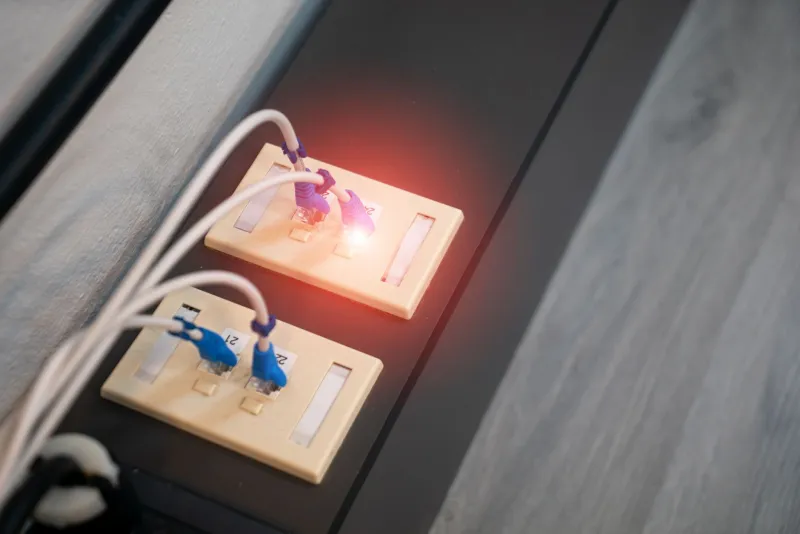
Before You Blame Your ISP, Audit Your Own Network: The One-Hour Fix for Sluggish Wi-Fi

Before You Blame Your ISP, Audit Your Own Network: The One-Hour Fix for Sluggish Wi-Fi

Streaming buffers, pages crawl, and yet your internet plan promises more speed than you could ever use. Before calling your provider, spend one hour auditing the equipment in your own home — the culprit is usually closer than you think. This step-by-step guide walks you through every checkpoint, from router placement to DNS configuration, with a printable checklist at the end.

60 FPS Should Feel Smooth — So Why Does Your Game Still Look Choppy?

60 FPS Should Feel Smooth — So Why Does Your Game Still Look Choppy?

Your performance counter says 60 FPS, but something still feels off — stuttery, inconsistent, almost like the game is fighting itself. The culprit is rarely the number on screen; it is the invisible mechanics of frame delivery, refresh synchronization, and driver behavior that determine whether motion actually looks smooth.

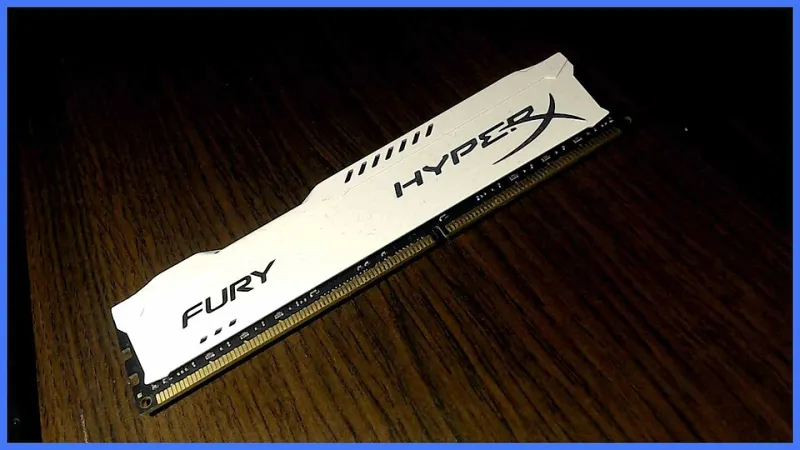
Silent RAM Drain: How to Track Down the Memory Leak That Appears When Nothing Is Running

Silent RAM Drain: How to Track Down the Memory Leak That Appears When Nothing Is Running

Your RAM usage keeps climbing even after you close every application — and the culprit is rarely where you expect it to be. System processes, faulty drivers, and Windows-native services can silently consume gigabytes without triggering a single warning. This guide walks you through the diagnostic tools and targeted fixes that will help you reclaim that memory for good.

Your Uninstaller Is Lying to You: The Hidden Residue That Keeps Slowing Down Your PC

Your Uninstaller Is Lying to You: The Hidden Residue That Keeps Slowing Down Your PC

Clicking 'Uninstall' feels like a clean break, but for most software, it is only the beginning of a longer story. Orphaned files, stranded registry entries, and background services that survive removal continue consuming your system's resources long after the program appears to be gone. Here is how to find them and eliminate them for good.

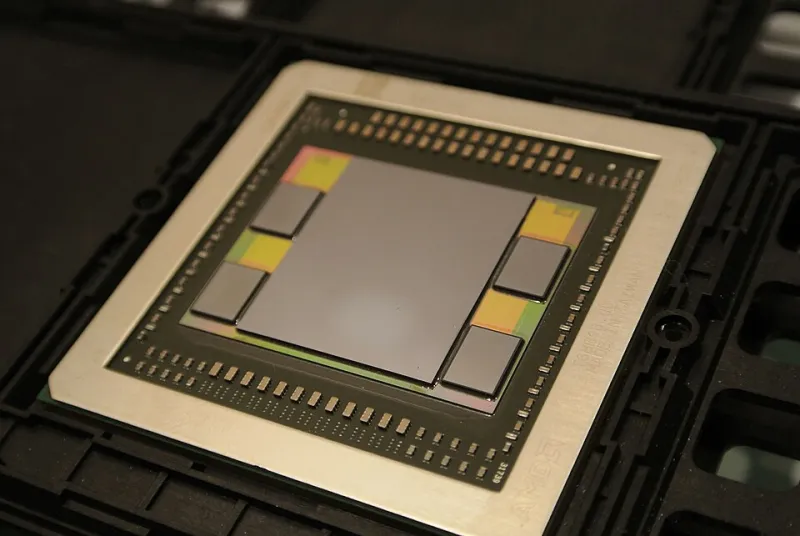
Why Your Graphics Performance Gets Worse the Longer You Play — And What to Do About It

Why Your Graphics Performance Gets Worse the Longer You Play — And What to Do About It

If your frame rates are smooth at the start of a gaming session but degrade progressively over an hour or two, your GPU's onboard memory may not be releasing resources properly. GPU memory leaks are a well-documented but frequently misdiagnosed problem that affects gamers and video professionals alike. Identifying the source and applying the right fix can restore full performance without touching your hardware.

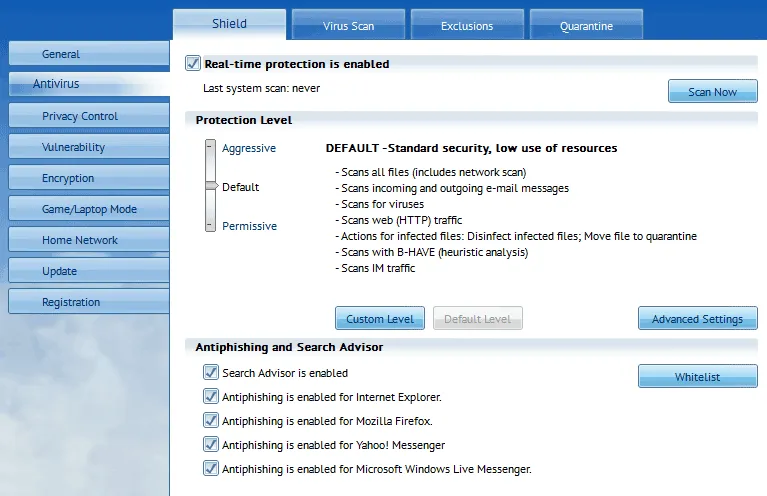
Security Software vs. System Speed: How to Configure Your Antivirus Without Sacrificing Performance

Security Software vs. System Speed: How to Configure Your Antivirus Without Sacrificing Performance

For many Windows users, antivirus software has become a source of frustration that rivals the threats it is meant to prevent. Constant scanning, resource spikes, and sluggish application launches are symptoms of protection tools that are not configured for the machines they run on. This article examines the performance cost of common security solutions and offers concrete steps to restore system speed without leaving your defenses exposed.

When Trusted Software Becomes a Threat: Recognizing and Recovering from Hijacked Installers

When Trusted Software Becomes a Threat: Recognizing and Recovering from Hijacked Installers

Cybercriminals no longer rely solely on obvious phishing schemes — increasingly, they exploit the software you already trust. From bundled installers to convincing fake update prompts, malware and potentially unwanted programs are infiltrating US systems through familiar-looking downloads every day. This article explains exactly how these attacks work and provides a clear recovery path for users who suspect their system has already been compromised.

Post-Update Slowdowns Are Real — Here Is Exactly What Causes Them and How to Recover Fast

Post-Update Slowdowns Are Real — Here Is Exactly What Causes Them and How to Recover Fast

Millions of American PC users notice their computers running sluggishly after a Windows or software update — and most assume the update itself is to blame. The reality is more nuanced, and the fixes are often simpler than you might expect. Here is what is actually happening inside your machine, and how to get back to full speed in under 15 minutes.